
If you've been wondering what is IPTV and how it works, you're in the right place. IPTV is simply TV delivered over the internet instead of a satellite dish or cable line — and it's how millions of people now watch live channels, sport, movies and series. This guide explains what IPTV is, how it works, what you need to use it, whether it's legal, and how to get started.
What is IPTV?
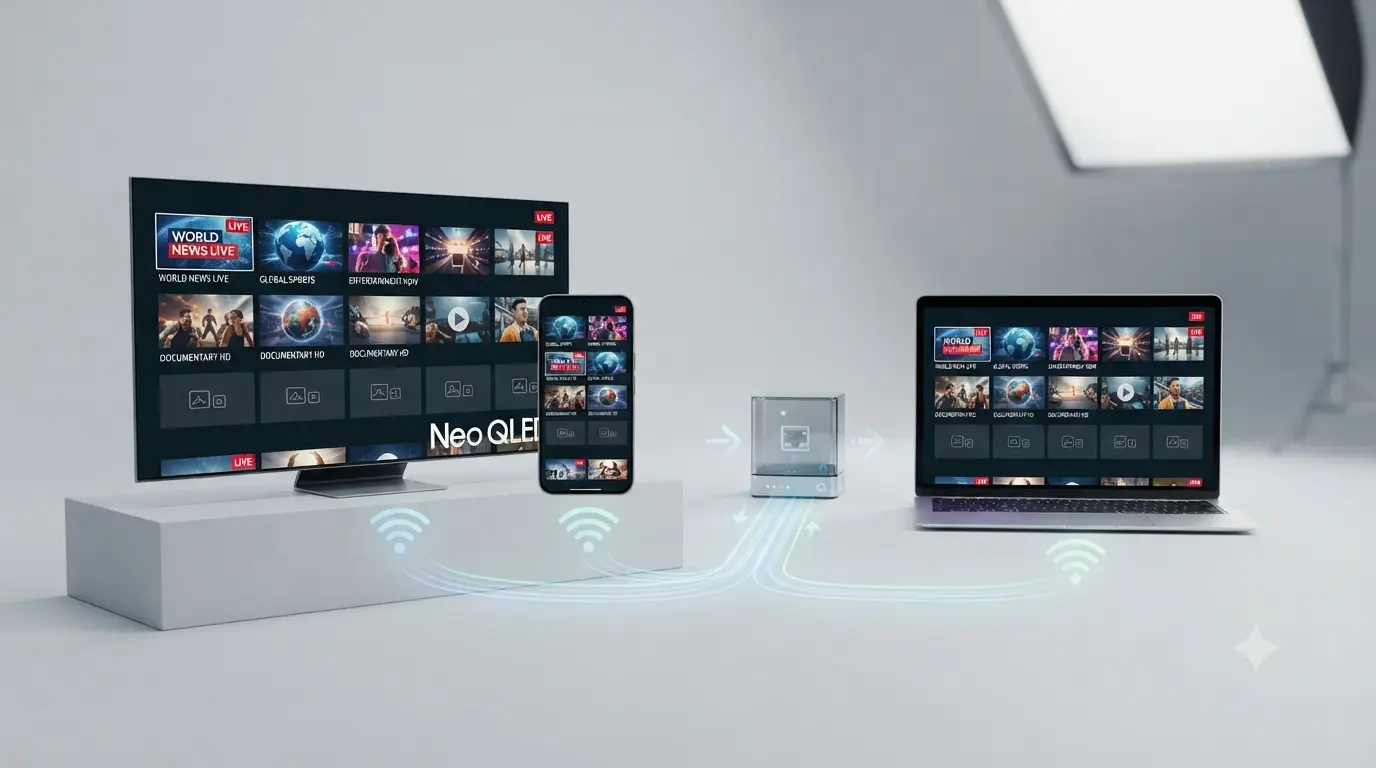
IPTV stands for Internet Protocol Television. In plain terms, it's television delivered over your broadband connection instead of through a satellite dish, an aerial or a cable. So the honest answer to "what is IPTV" is this: it's the same live channels and on-demand shows you already know, streamed to you over the internet.
Instead of a set-top box tuned to a satellite, you use an app on a device you already own — a Smart TV, Firestick, phone or PC — and a subscription that provides the channels. That's really all IPTV is: internet + an app + a subscription.
How does IPTV work?
Now you know what IPTV is, here's how it works under the hood — without the jargon:
A provider hosts the channels
The IPTV provider runs high-performance servers that carry the live channels and on-demand library.
You get a login
When you subscribe, you receive an M3U link or Xtream Codes (a username, password and server URL).
An app plays it
You enter that login into a free IPTV player app, which turns the stream into live TV with a proper programme guide.
You watch over the internet
The channels stream to your device in real time — in HD or 4K, depending on your connection.
Types of IPTV
There are three main things an IPTV service delivers:
Live TV
Real-time channels — news, sport and entertainment, just like broadcast TV.
Video on demand (VOD)
Movies and series you can watch any time, like a streaming app.
Catch-up / time-shift
Rewind and replay programmes that have already aired.
A good service combines all three, so you get live channels, a movie library and catch-up in a single app.
IPTV vs cable, satellite & streaming apps
People often ask how IPTV compares to what they already have:
- vs cable/satellite (Foxtel) — IPTV needs no dish or cable, offers far more channels, and costs a fraction of the price.
- vs streaming apps (Netflix) — Netflix is VOD only; IPTV adds thousands of live channels and sport on top of on-demand.
- vs free-to-air apps — free apps cover a handful of local channels; IPTV brings everything into one place.
In short, IPTV rolls live TV, sport and on-demand into one subscription — see our full IPTV vs Foxtel comparison.
What do you need to use IPTV?
Getting into IPTV is simpler than most people expect — you only need three things:
- A device — a Smart TV, Firestick, Android TV box, phone, tablet or PC.
- An IPTV app — a free player like IPTV Smarters Pro, IBO Player or TiviMate.
- A subscription — a service that provides your login and channels.
You'll also want a stable connection — around 25 Mbps for HD, or 50 Mbps+ for 4K. Wired Ethernet gives the smoothest picture.
What devices does IPTV work on?
Almost any modern device runs IPTV. Here are the popular ones, with a setup guide for each:
Is IPTV legal?
This is the other big question after "what is IPTV". The apps themselves are perfectly legal — they're just media players. What matters is the source of your content: a properly licensed IPTV subscription is fine, while an unofficial "free" playlist that rebroadcasts pay-TV is not. Choose a legitimate provider and you're on the right side of the line. For a plain-English rundown, see our guide on whether IPTV is legal in Australia.
How to get started with IPTV
Ready to try it? Getting started takes just a few minutes:
Get a subscription
Subscribe to a licensed service like IPTV Australia 4K to receive your login by email.
Install an app
Install an IPTV player on your device — IBO Player, TiviMate or Kodi.
Enter your login
Add your Xtream Codes or M3U URL in the app.
Start watching
Open the channel list and enjoy live TV, movies and series.
Pros & cons of IPTV
| Pros | Things to know |
|---|---|
| Far more channels than cable | Needs a stable internet connection |
| 4K quality & huge VOD library | Quality depends on the provider's servers |
| Much cheaper than Foxtel + Kayo | Only use licensed providers, not free playlists |
| Works on every device, no contract | — |
Key takeaways
- IPTV is TV delivered over the internet instead of a dish or cable.
- You need a device, a free IPTV app, and a subscription with a login.
- It delivers live TV, on-demand movies and series, and catch-up.
- The apps are legal — just choose a licensed provider for the content.
- A licensed subscription from $14.99/month beats cable on price and choice.
Related IPTV guides
Now you know what IPTV is, here's how to get set up:
Frequently asked questions
What is IPTV in simple terms?
IPTV (Internet Protocol Television) is TV delivered over the internet instead of a satellite dish or cable line. You get a login that you enter into an app on your TV, phone or box to watch live channels, movies and series.
How does IPTV work?
A provider streams channels from its servers to your device over your internet connection. You load a playlist — an M3U link or Xtream Codes — into an IPTV app, which turns it into live TV with a programme guide.
What do I need to use IPTV?
Three things: a device (Smart TV, Firestick, phone or PC), a free IPTV player app, and a subscription that provides your login. A stable 25 Mbps connection is recommended, or 50 Mbps+ for 4K.
Is IPTV legal?
IPTV apps are legal, and a properly licensed IPTV subscription is fine. What matters is choosing a legitimate provider that streams licensed content rather than an unofficial free playlist.
Is IPTV better than cable or Foxtel?
For most people, yes. IPTV offers far more channels and on-demand content in 4K for a fraction of a Foxtel and Kayo bundle, with no dish, no contract and instant activation.
Now you know what IPTV is — try it
65,000+ channels, 4K streams and anti-freeze servers — from $14.99/month with a 7-day money-back guarantee. Instant activation.
Get Started with IPTV Australia 4K →