
Ready to IPTV subscribe in Australia? An IPTV subscription is the modern, affordable way to watch TV — thousands of live channels, movies and series streamed over your internet connection, with no dish, no contract and no lock-in. This guide explains what an IPTV subscription includes, how much it costs, which devices it works on, and how to get set up and watching in minutes.
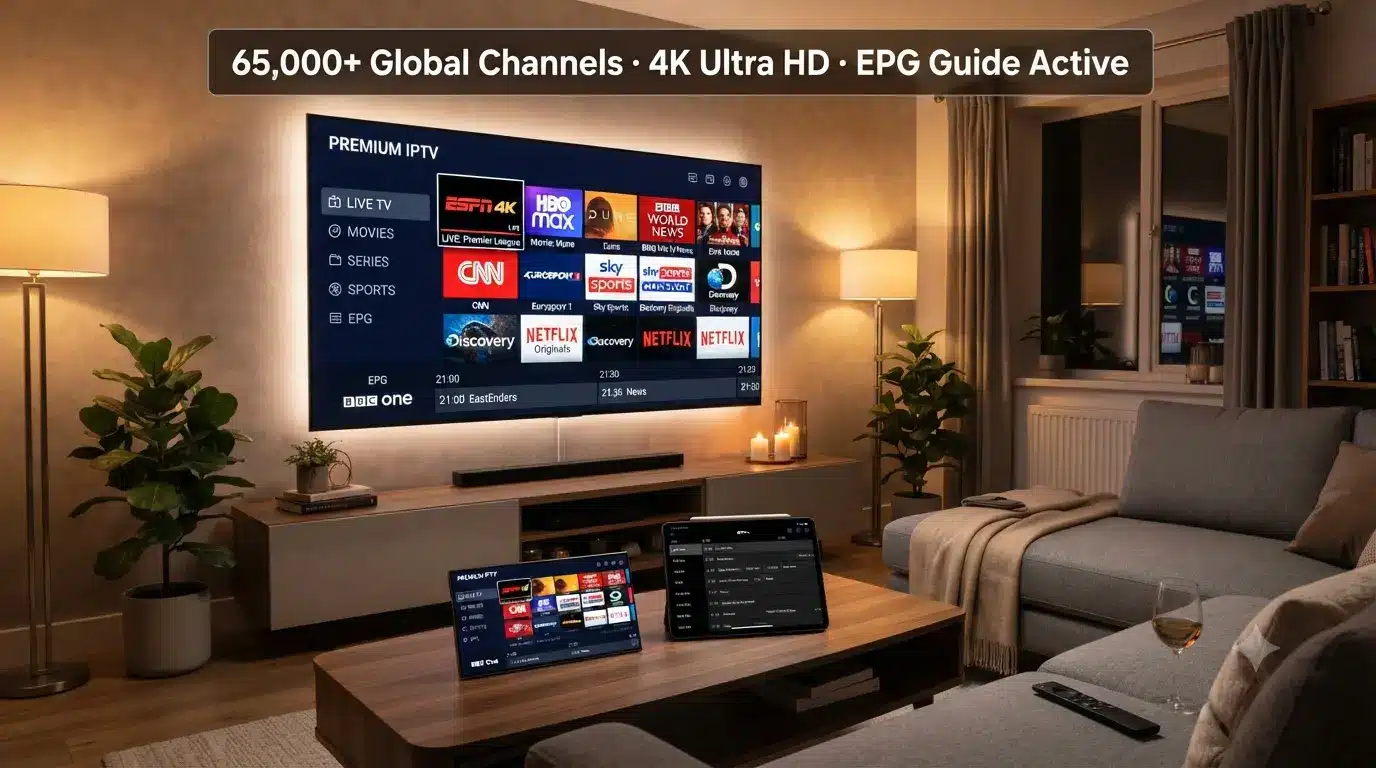
What is an IPTV subscription?
An IPTV subscription (Internet Protocol Television) delivers live TV and on-demand video over your broadband connection instead of a satellite dish or cable line. When you subscribe, you receive a login — either Xtream Codes (a username, password and server URL) or a single M3U link — which you enter into a free IPTV player app on your TV, phone or streaming box.
That's the whole idea: the subscription provides the channels and content, and the app is just the window you watch them through. There's no equipment to buy, no technician visit and no long contract — you can start with a single month and keep going only if you love it. That makes it quick and low-risk to IPTV subscribe and start watching the same day.
Behind the scenes, a good provider runs high-performance servers that deliver the streams to your app quickly and reliably. That's why the quality of an IPTV subscription depends far more on the provider than on your device — a strong provider means a sharp, stable picture even during peak-time sport.
Why IPTV subscribe?
Australians are choosing to IPTV subscribe for three simple reasons — more content, better quality and a much lower price:
Far more channels
65,000+ live channels plus huge VOD, vs a few hundred on cable.
4K & VOD
4K/UHD streams and 120,000+ movies & series on demand.
Big savings
A fraction of a Foxtel + Kayo bundle each month.
Instant & flexible
Instant activation, no contract, cancel any time.
Because it runs over the internet, an IPTV subscription also travels with you — the same login works on your TV at home, your phone on the go, and your laptop when you're away, all at the same time within your plan's device limit. For a family, that means the kids can watch cartoons on a tablet while sport plays on the main TV — from a single subscription.
What's included in an IPTV Australia subscription
A quality IPTV subscription is more than just a long channel list — it's the whole package that makes watching enjoyable. With IPTV Australia 4K every plan includes:
- 65,000+ live channels — Australian free-to-air, sport, movies, news, kids and international.
- 120,000+ movies & series — a huge on-demand VOD library, updated regularly.
- 4K · UHD · FHD · HD — the best quality your TV and connection can handle.
- Full 7-day EPG — a proper now-and-next TV guide, plus catch-up.
- Anti-Freeze™ servers — high-performance servers that stay smooth at peak time.
- Works on all devices — Firestick, Android TV, Smart TV, iPhone, Apple TV, Windows and more.
- 24/7 support — real help when you need it, plus a 7-day money-back guarantee.
IPTV Subscribe: plans & pricing
An IPTV subscription is priced by length — the longer the plan, the better the value. Here are the IPTV Australia 4K plans for a single device:
| Plan | Price | Best for |
|---|---|---|
| 1 Month | $14.99 | Trying it out |
| 3 Months | $29.99 | Short commitment |
| 6 Months | $39.99 | Great value |
| 12 Months | $59.99 | Best value ★ |
Every plan includes the full channel list, VOD library, 4K quality and anti-freeze servers — the only difference is the length. Multi-device plans (2 or 3 devices) are available too. All plans come with a 7-day money-back guarantee, so you can try an IPTV subscription risk-free.
IPTV subscribe today
65,000+ channels, 120,000+ movies & series, 4K streams and anti-freeze servers — from $14.99/month with a 7-day money-back guarantee.
Get Started with IPTV Australia 4K →IPTV subscription vs Foxtel & Kayo
The biggest reason people move to an IPTV subscription is the price. A traditional pay-TV setup adds up fast:
| Service | Typical monthly cost | Channels & VOD |
|---|---|---|
| Foxtel + Kayo bundle | $80–$130+ | A few hundred channels |
| IPTV Australia 4K | From $5–$15 | 65,000+ channels + huge VOD |
Over a year, switching to an IPTV subscription can save an Australian household well over $1,000, while actually getting more channels and a far bigger on-demand library. For a full breakdown, see our IPTV vs Foxtel comparison.
What devices work with an IPTV subscription?
One IPTV subscription works on almost anything with a screen. Just install a free player app and enter your login:
You can use whichever app you prefer — IBO Player, TiviMate, Kodi or GSE Smart IPTV — and the same IPTV subscription works across all of them at once, within your plan's device limit.
Before you IPTV subscribe: what to look for
Not every service is the same. Before you IPTV subscribe, check for these signs of a quality service:
- Anti-freeze servers — high-performance servers keep live sport smooth at peak time.
- Australian & international channels — local free-to-air plus the sport and international channels you actually watch.
- A large, updated VOD library — thousands of movies and series, refreshed regularly.
- Full 4K & a working EPG — real UHD streams and a proper TV guide, not just SD channels.
- Instant activation & real support — your login by email straight away, plus 24/7 help.
- A money-back guarantee — a 7-day guarantee lets you try the service risk-free.
IPTV Australia 4K ticks every box, which is why it's a popular choice — but it's always worth comparing, so see our roundup of the best IPTV providers in Australia before you decide.
How to IPTV subscribe
To IPTV subscribe takes just a few minutes:
Choose your plan
Pick a plan length (1, 3, 6 or 12 months) and the number of devices you need.
Subscribe
Complete checkout — every plan is covered by a 7-day money-back guarantee.
Get your login instantly
Your Xtream Codes (or M3U URL) and EPG link are emailed to you straight away.
Set up your device
Install an IPTV app on your TV, phone or box and enter your login.
Start watching
Open the channel list and enjoy live TV, sport, movies and series in 4K.
Setting up your subscription on any device
Once you IPTV subscribe and get your login, setup is the same idea everywhere: install a player, choose Login with Xtream Codes, and enter the username, password and server URL from your email. Within seconds your channels, categories and EPG load and you're ready to watch.
Not sure which app to use? Our step-by-step guides cover every device — from Firestick and Smart TV to Android TV, iPhone and Windows — so you can follow along for your exact setup.
Live sport on your IPTV subscription
Sport is one of the biggest reasons Australians IPTV subscribe. You get AFL, NRL, cricket, football, F1, boxing, PPV events and international leagues — often in 4K, and without stacking Kayo on top of Foxtel. With anti-freeze servers, the picture stays smooth even during peak-time finals. For more, see our guide to IPTV for sports in Australia.
Is an IPTV subscription legal & safe?
Using an IPTV app and paying for a properly licensed IPTV subscription is fine — the apps themselves are just media players. What matters is choosing a legitimate provider that streams licensed content and offers real support, rather than an unofficial "free" playlist. A reputable provider is transparent, offers a money-back guarantee, and keeps your details secure. For a plain-English rundown, see our guide on whether IPTV is legal in Australia, and our overview of the best IPTV providers in Australia.
Key takeaways
- When you IPTV subscribe you get 65,000+ live channels and huge VOD over the internet.
- Plans start from $14.99/month, a fraction of a Foxtel + Kayo bundle.
- Your Xtream Codes login is emailed instantly and works on every device.
- Use any app — IPTV Smarters Pro, IBO Player, TiviMate, Kodi or GSE.
- Choose a licensed provider with anti-freeze servers and a money-back guarantee.
Related IPTV guides
Explore more before you subscribe:
Frequently asked questions
What is an IPTV subscription?
An IPTV subscription streams live TV, movies and series over the internet instead of a satellite dish or cable box. You get a login (Xtream Codes or an M3U URL) that you enter into an IPTV app to watch thousands of channels.
How much does an IPTV subscription cost in Australia?
An IPTV Australia 4K subscription starts from $14.99 for one month, with better value on longer plans — around $59.99 for 12 months. That's a fraction of a Foxtel and Kayo bundle.
What devices work with an IPTV subscription?
Almost any device: Firestick, Android TV, Samsung and LG Smart TVs, iPhone, iPad, Apple TV, Windows PC, Roku and more. You just install an IPTV player app and enter your login.
How do I IPTV subscribe?
To IPTV subscribe, choose a plan, complete checkout, and your Xtream Codes or M3U login is emailed to you instantly. Enter it into an IPTV app on your device and start watching within minutes.
Can I use one IPTV subscription on more than one device?
Yes, up to your plan's device limit. Choose a 2 or 3-device plan to watch on several screens at the same time with the same login.
Is an IPTV subscription legal?
Using an IPTV app is legal, and a properly licensed IPTV subscription is fine. Choose a legitimate provider that streams licensed content and avoid unofficial free playlists.
Do I need special equipment for an IPTV subscription?
No. You just need a device you already own — a Smart TV, Firestick, phone or PC — and a stable internet connection of 25 Mbps or more. There's no dish, box or installation.
Can I get an IPTV subscription free trial?
Rather than a free trial, IPTV Australia offers a 7-day money-back guarantee, so you can subscribe, test everything, and get a refund if it isn't for you.
Will an IPTV subscription work on my internet?
Yes, if you have a stable 25 Mbps connection (50 Mbps+ for 4K). It works on Wi-Fi, but a wired Ethernet connection to your TV or box gives the smoothest picture.
Ready to subscribe?
IPTV subscribe and join thousands of Aussies streaming 65,000+ channels in 4K. Instant activation, no contract, and a 7-day money-back guarantee.
Get Your IPTV Subscription →