
4K IPTV promises a sharper, more detailed picture than standard streaming — but getting it right depends on more than just picking a "4K" channel. Your internet plan, your device, and your provider's servers all have to line up. This guide explains what Ultra HD streaming actually involves, what you need to run it smoothly, and how to avoid the buffering that ruins picture quality for most people who try it without preparing first.
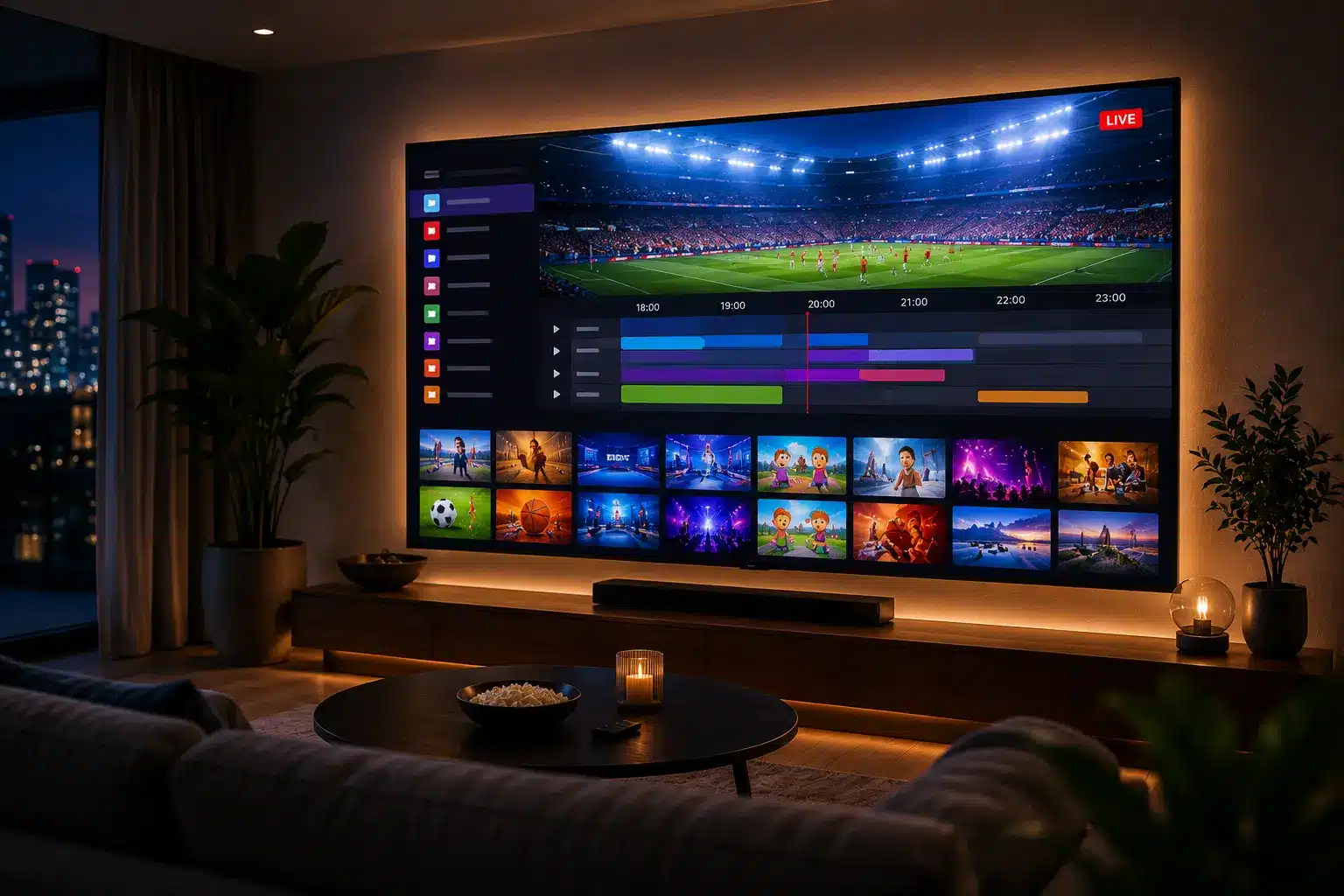
What is 4K IPTV?
4K IPTV is live TV and on-demand content streamed over the internet at Ultra HD resolution — 3840×2160 pixels, roughly four times the detail of standard 1080p. Instead of a satellite receiver decoding a broadcast signal, an app on your device decodes a high-bitrate internet stream and displays it at that resolution, provided your connection and hardware can keep up.
The "4K" name comes from the horizontal pixel count — roughly 4,000 pixels wide — and it's paired almost everywhere with a codec called HEVC (H.265), which compresses that much extra detail down to a bitrate a home internet connection can actually carry. This pairing matters: without efficient compression, true Ultra HD streaming over the internet simply wouldn't be practical for most households.
4K vs FHD vs HD, explained
Most IPTV services offer a channel in more than one quality tier, and the difference matters more than people expect:
| Quality | Resolution | Best for |
|---|---|---|
| SD | 576p or lower | Very limited connections only |
| HD | 720p | Small screens, mobile viewing |
| FHD | 1080p | Most TVs, the everyday default |
| Ultra HD | 2160p (4K) | Large screens (55"+), close viewing distance |
The jump from FHD to Ultra HD is the biggest visible step up in this list — but it's also the one most sensitive to a weak internet connection or an underpowered device, which is why so many people who try it end up disappointed by buffering rather than the picture itself.
What you need for a good 4K IPTV picture
- Internet speed — at least 50 Mbps, ideally more if other devices share the connection.
- A wired connection — Ethernet rather than Wi-Fi wherever your setup allows it.
- A capable device — one that supports HEVC/H.265 decoding at Ultra HD output.
- A 4K television — the source stream can only look as sharp as the screen displaying it.
- A provider with strong servers — Ultra HD streams need considerably more server capacity than HD.
Best devices for Ultra HD streaming
Smart & Android TV
Most 2022+ models handle Ultra HD natively without an extra box.
Windows & MAG boxes
Fine for Ultra HD if the hardware is recent enough to decode HEVC smoothly.
How much data does 4K IPTV use?
Ultra HD streaming is considerably heavier on your data allowance than most people expect:
| Quality | Approx. data per hour |
|---|---|
| SD | 0.3-0.7 GB |
| HD | 1-1.5 GB |
| FHD | ~3 GB |
| Ultra HD (4K) | 7-10 GB |
A household watching a few hours a day at this quality can comfortably use several hundred gigabytes a month, so an unlimited or high-cap broadband plan is worth checking before committing to Ultra HD as your default. This adds up faster than most people expect once more than one screen in the house is streaming at the same time — two TVs running Ultra HD for a few hours each evening can realistically use 400-500 GB across a month on their own, before counting everything else the household does online.
Avoiding buffering in Ultra HD
Buffering is the single biggest complaint about Ultra HD streaming, and it's almost always fixable:
- Connect via Ethernet instead of Wi-Fi wherever possible.
- Don't run other heavy streams or large downloads on the same connection at the same time.
- Choose a provider running 20 Gbps+ servers with Anti-Freezing technology built for peak-hour load.
- If buffering persists, drop to FHD — the difference in practice is smaller than the difference between smooth and stuttering playback.
- Check for other devices quietly using bandwidth in the background — a phone or laptop backing up photos or downloading an update can be enough to tip a borderline connection into buffering.
It's worth stressing that most buffering complaints have nothing to do with the TV itself. A brand-new 4K television connected to a weak Wi-Fi signal will still stutter, while an older set on a strong wired connection can play back smoothly — the network and the provider's server capacity matter more than the display.
4K IPTV for live sports
Sport is where the resolution upgrade is most noticeable — fast motion, wide shots and crowd detail all benefit from the extra sharpness. A good service includes Ultra HD feeds where the original broadcast supports it, across AFL, NRL, cricket, rugby, tennis, Formula 1 and UFC. See our dedicated IPTV for Live Sports guide for a full breakdown by league.
Common myths about 4K IPTV
- Myth: "Any internet plan can handle it." Fact: below roughly 50 Mbps, buffering is the norm, not the exception.
- Myth: "More channels means better quality." Fact: channel count and stream quality are unrelated — a provider can have a huge library and still under-invest in server capacity.
- Myth: "Wi-Fi is fine if the signal bars look full." Fact: signal strength and sustained throughput are different things; Ethernet remains the safer choice.
Choosing a 4K IPTV provider
Not every service that advertises "4K" actually delivers it reliably. Look for realistic pricing, transparent business details, a money-back guarantee, and — most importantly for this quality tier — server infrastructure explicitly built to sustain Ultra HD bitrates during peak-hour and live-sport demand. A free trial, if offered, is the fastest way to test this yourself: load a channel during peak evening hours and watch whether it holds steady rather than dropping back to a lower resolution. See our full IPTV Providers in Australia buyer's guide for the complete checklist.
Key takeaways
- 4K IPTV streams at 2160p resolution — about 4x the detail of standard Full HD.
- You need 50 Mbps+, ideally wired, plus a HEVC-capable device and a 4K TV.
- Ultra HD uses 7-10 GB of data per hour — check your broadband cap.
- Most buffering issues come from Wi-Fi or weak provider servers, not your TV.
- Not every "4K" service can actually sustain it under real, peak-hour load.
Related IPTV guides
Frequently asked questions
What is 4K IPTV?
It's internet-delivered television streamed in Ultra HD resolution (3840x2160), roughly four times the detail of standard 1080p Full HD, giving a sharper, more lifelike picture on large screens.
How much internet speed do I need for 4K IPTV?
A stable connection of at least 50 Mbps is recommended for reliable Ultra HD playback, with a wired Ethernet connection strongly preferred over Wi-Fi.
How much data does it use?
Ultra HD streaming typically uses around 7-10 GB per hour, compared to roughly 3 GB per hour for Full HD and 1-1.5 GB per hour for standard HD, so an unlimited or high-cap broadband plan is recommended.
Do I need a special device for 4K IPTV?
You need a device capable of HEVC/H.265 decoding and Ultra HD output, such as a recent Firestick 4K, Android TV box, or a Smart TV with a 4K-capable app, connected to a 4K-capable television.
Why does my 4K IPTV keep buffering?
Buffering at this quality is usually caused by insufficient internet speed, Wi-Fi interference, or a provider whose servers can't sustain the higher bitrate. Switching to Ethernet and a provider with strong server capacity resolves most cases.
Is live sport available in 4K IPTV?
Yes, many providers offer Ultra HD feeds for major sports including AFL, NRL, cricket and Formula 1, though availability depends on the original broadcast quality and the provider's server capacity during peak demand.
Is 4K IPTV worth it over HD?
On a large screen (55 inches or bigger) viewed from a normal distance, the difference is noticeable and worthwhile if your internet plan can support it. On smaller screens the improvement is less obvious.
Watch in true Ultra HD
65,000+ channels, real 4K streams and anti-freeze servers built for peak demand — from $14.99/month with a 7-day money-back guarantee.
Get Started with IPTV Australia 4K →